Money gets tight for different reasons: a first job with uneven hours, rent hikes, student loan payments restarting, or saving for grad school. You need a budget that shows where every dollar goes and what to change first—without spending hours on spreadsheets. This guide helps you map cash in and out, choose a budgeting method that fits your life, set up automations, and review progress each month, using reliable US sources and simple tools.
What should a workable budget do for you?
A useful budget shows—on one page—your monthly take‑home income, fixed bills by due date, typical variable spending, and automatic transfers to savings and debt. It should help you survive tight weeks and still fund priorities like building credit, finishing school, or launching a side business. The Consumer Financial Protection Bureau (CFPB) provides free tools for a cash‑flow budget and bill calendar you can print or use digitally, which you can adapt to your situation (CFPB cash‑flow and calendar tools).
What numbers do you need before you choose a method?
- After‑tax income: list each paycheck or stipend with dates. If tips or hours vary, use a conservative average and note the lowest recent month. The CFPB’s cash‑flow worksheet helps you line up deposits and bills by day to spot gaps (creating a cash‑flow budget).
- Essentials vs. flexible costs: rent, utilities, insurance and minimum loan payments are “must‑pay”; groceries and transport vary; dining and subscriptions are discretionary. For context, the U.S. Bureau of Labor Statistics reported average consumer spending of $78,535 in 2024 with detailed category shares—use that as a benchmark, not a target (BLS Consumer Expenditure Survey).
- Safety cushion: plan an emergency fund in an insured savings account; financial experts often recommend three to six months of expenses, according to the FDIC (FDIC on emergency savings).
Which budgeting method fits your life right now?
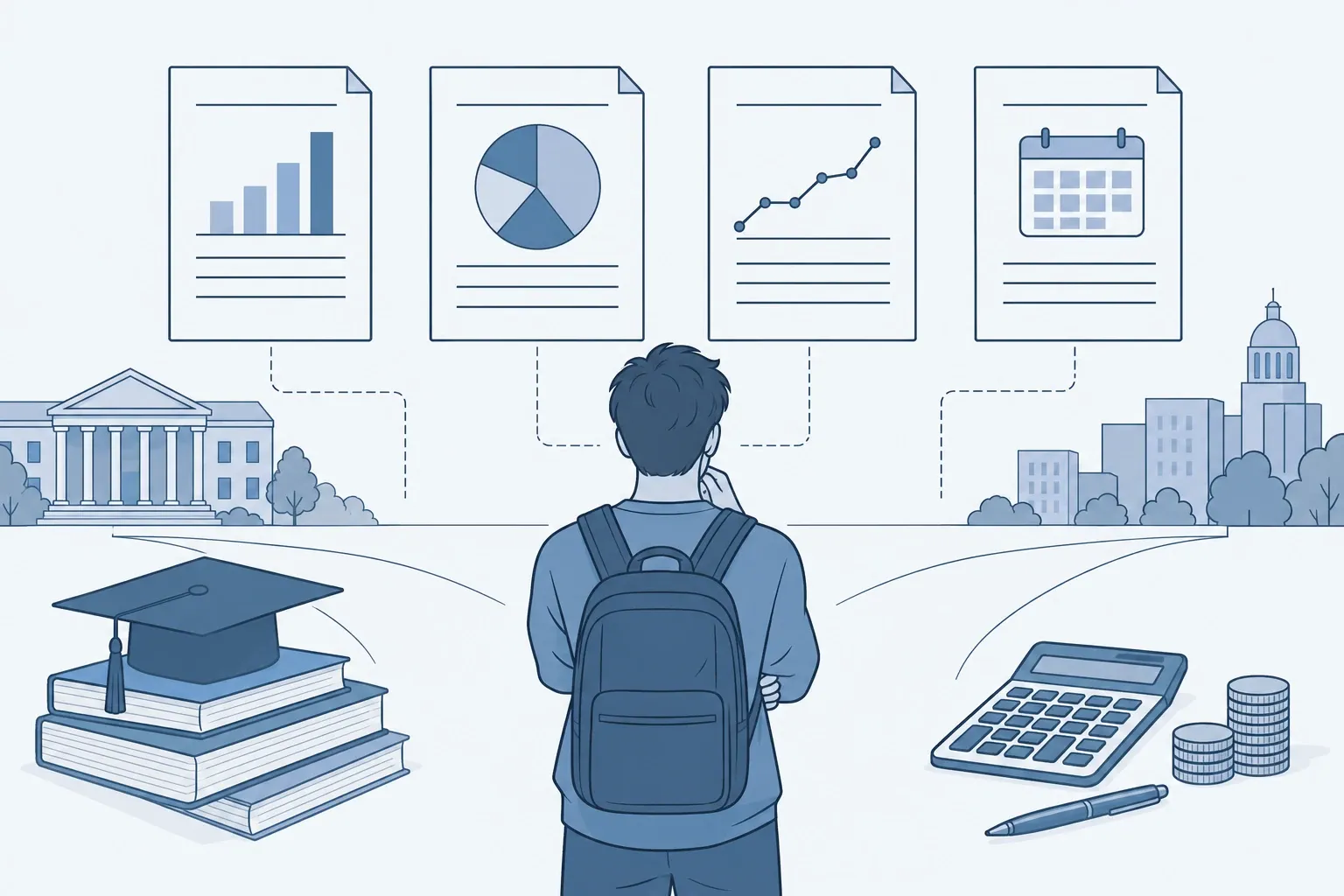
Here are four common options—pick one that matches your time and personality, then adapt.
- Zero‑based: every dollar of take‑home income is assigned to a job (bills, sinking funds, extra debt, fun) before the month starts. Great if you like detail and manually tracking.
- 50/30/20 rule: about 50% needs, 30% wants, 20% savings and debt—quick to start and easy to audit weekly. The split appears in CFPB learning activities and works as a baseline you can tweak (CFPB budgeting activity with 50‑30‑20).
- Pay‑yourself‑first: automate savings and extra debt payments right after payday, then live on the rest. Helpful if you tend to overspend late in the month.
- Envelope or category caps: set fixed caps (digital or cash) for groceries, gas, eating out, etc. When an envelope is empty, you stop or move from a lower‑priority envelope.
If you’re repaying student debt, choose a method that makes room for the correct monthly amount and any sinking fund for annual costs. When you compare plans, see our guide to student loan repayment plans to size payments realistically.
How do you put your choice into practice this week?
-
Build a one‑page plan. List pay dates and due dates, then set category caps. Use the CFPB templates for a calendar view that prevents mid‑month cash crunches (adjusting cash‑flow tool).
-
Automate the essentials. Schedule rent, utilities and minimum loan payments right after payday. Set automatic transfers to emergency savings and any sinking funds (e.g., car maintenance, license renewals). The FDIC recommends keeping emergency cash in federally insured accounts.
-
Right‑size your paycheck. If your refund was huge or you owed a lot last year, use the IRS Tax Withholding Estimator and submit a new W‑4 so monthly cash flow matches your likely tax bill (IRS on using the estimator; tool: IRS estimator).
-
Set simple guardrails. Put bank alerts on large transactions, low balances and when you’re close to a category cap. Freeze impulse categories for 7 days before buying. Park short‑term savings in a separate account so you don’t spend it by accident.
-
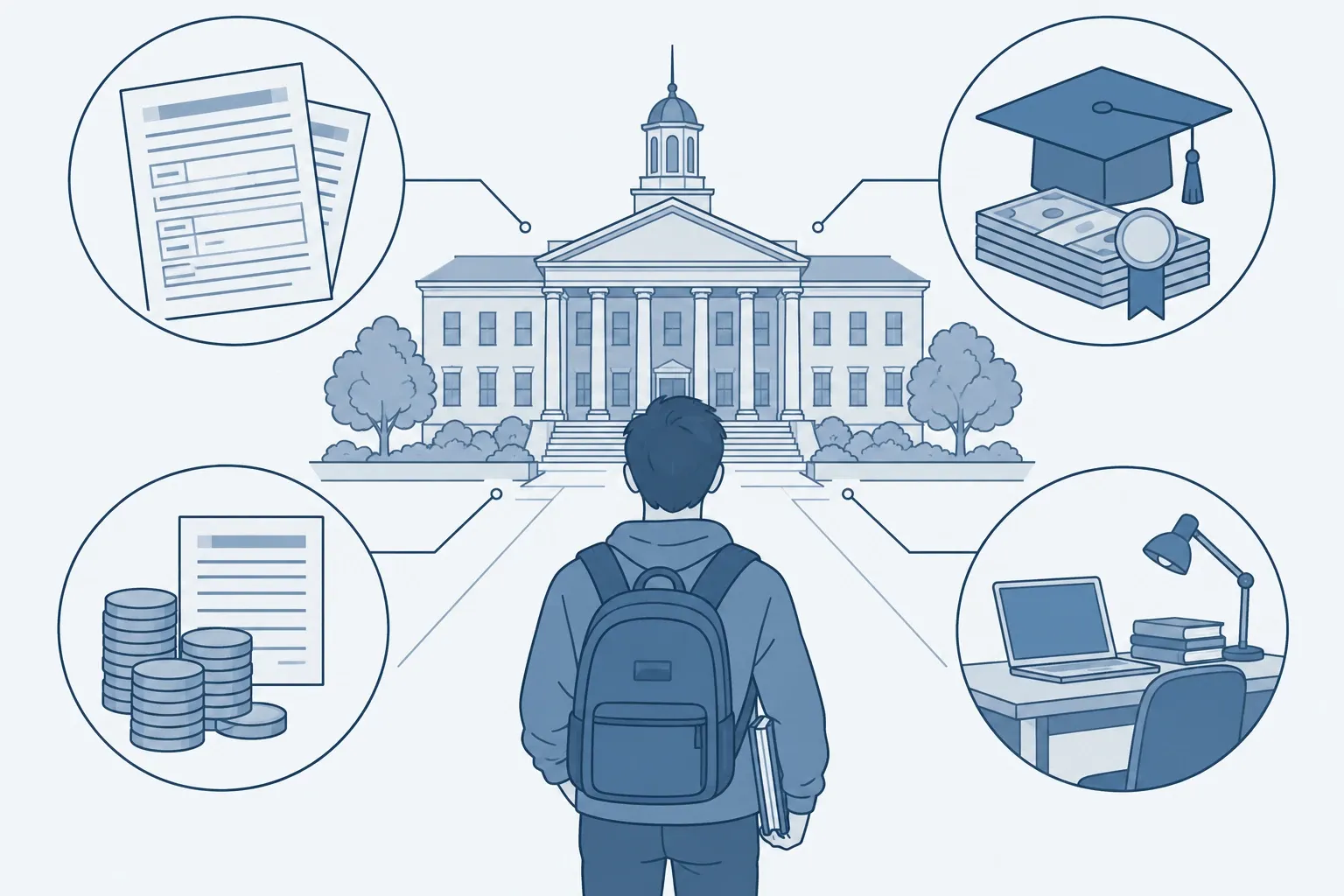
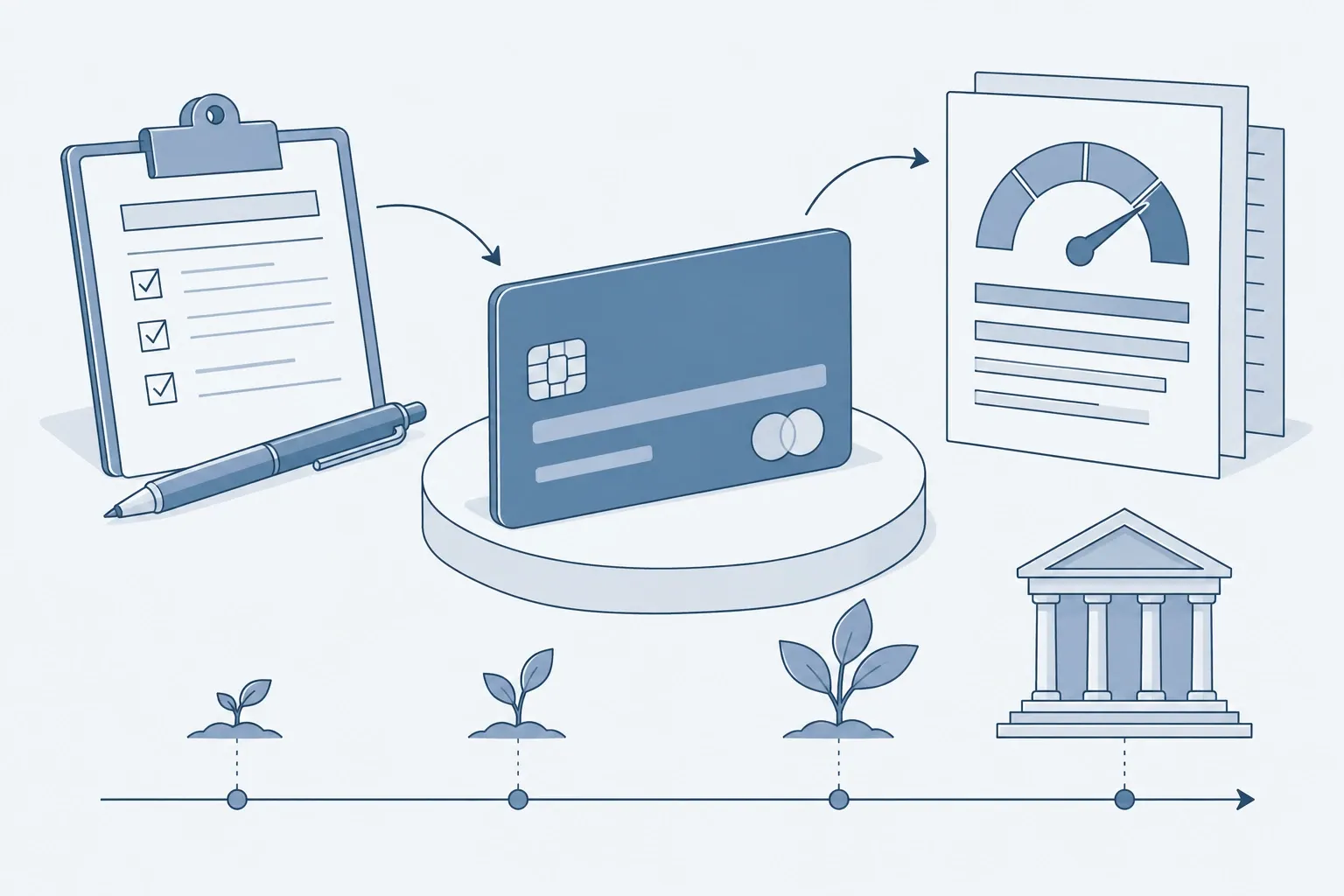
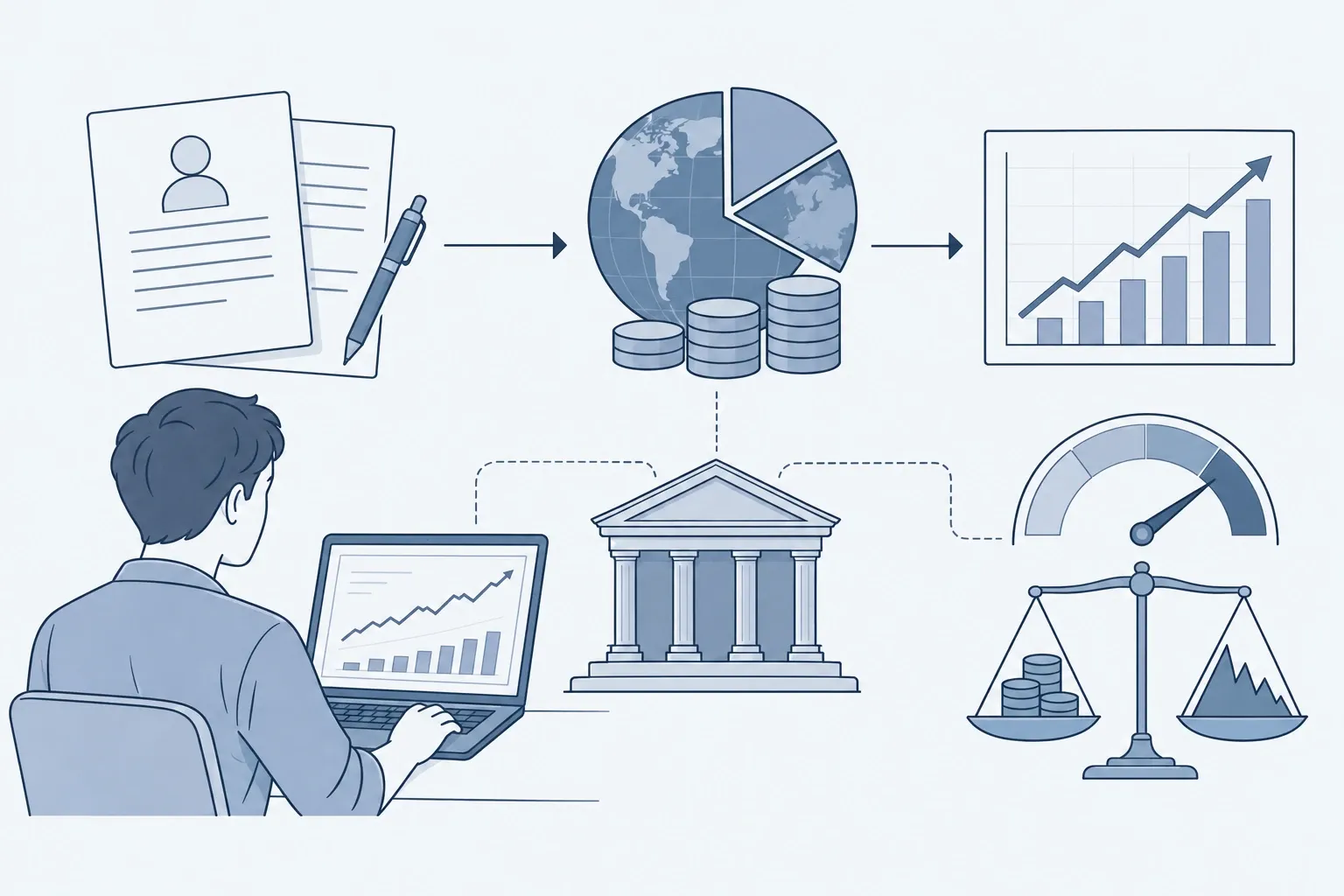
Link today’s budget to tomorrow’s goals. If you’re building credit, start with a small limit card and on‑time payments; see how to build credit. If you’re funding school, work scholarships and aid into your plan via scholarships for college and financial aid and FAFSA. If investing is next, learn accounts and index funds in how to invest in stocks.
How do you track and adjust without spending hours?
- Use a weekly 15‑minute check‑in. Reconcile transactions, move leftover money to savings or debt, and reset the next week’s caps.
- Do a month‑end audit. Compare your category shares to a simple benchmark like 50/30/20 or to broad averages from the BLS Consumer Expenditure Survey to spot problem categories, not to copy them (BLS overview and tables).
- Iterate one change at a time. Lower a single cap (e.g., delivery apps) and raise a goal (emergency fund) until you hit your target savings rate.
What if money is tight and you’re falling behind?
Start with a bare‑bones budget that covers only housing, utilities, food at home, transport to work and minimum debt payments. Use a bill calendar and CFPB’s spending tools to time payments and reduce fees; then add income or cut discretionary items until cash flow is positive (CFPB budgeting steps). If student loans strain your plan, revisit repayment options and adjust your budget accordingly.
A starter template you can copy
- Income this month (by date): ____ / ____ / ____
- Fixed bills and due dates: ____ / ____ / ____
- Category caps: Groceries $, Gas $, Eating out $, Phone $, Fun $___
- Automations set: Emergency $, Roth IRA $, Extra debt $___
- Review dates: Weekly on ___; Month‑end on ___
With a one‑page plan, cash‑flow calendar, and a method you’ll actually use, your budget becomes a monthly system—not a one‑time New Year’s resolution.
Frequently asked questions
How big should my emergency fund be if I’m just starting out?
If you’re new to saving, aim for a small starter cushion first—$500 to $1,000—then build toward three to six months of essential expenses. The Federal Deposit Insurance Corporation notes that experts generally recommend at least six months, ideally kept in an FDIC‑insured savings account or CD for safety and liquidity.
What budgeting method works if my income is irregular?
Use a cash‑flow calendar and a “baseline budget” that covers only essentials from your lowest expected month. The Consumer Financial Protection Bureau offers cash‑flow tools and calendars to time bill payments around income deposits and reduce shortfalls; add sinking funds for known but irregular costs like car repairs or tuition.
Is the 50/30/20 rule legitimate or just a meme?
It’s a simple rule of thumb used in financial education: about 50% of take‑home pay to needs, 30% to wants, and 20% to savings and debt. The Consumer Financial Protection Bureau includes the 50‑30‑20 split in its budgeting activities for learners; treat it as a starting point and adjust to your rent, debt and goals.
How do I stop large tax refunds from wrecking my monthly budget?
Check your paycheck withholding with the IRS Tax Withholding Estimator. If it suggests a change, submit a new W‑4 to your employer so your monthly cash flow better matches your actual tax liability. Re‑check after life changes (new job, marriage, side income) and each year.
What benchmarks can I use to see if my spending is high or low?
Compare your categories to public data, not influencer charts. The U.S. Bureau of Labor Statistics reports average annual consumer spending and category shares each year. You don’t need to match the averages, but the report can flag categories—like transportation or subscriptions—that are out of line for you.