
Build a resume recruiters can scan in seconds and ATS can read
You have skills and results, but your resume has to surface them fast. Here’s a clear structure, ATS‑safe formatting and a testing routine so your file makes it through screening.
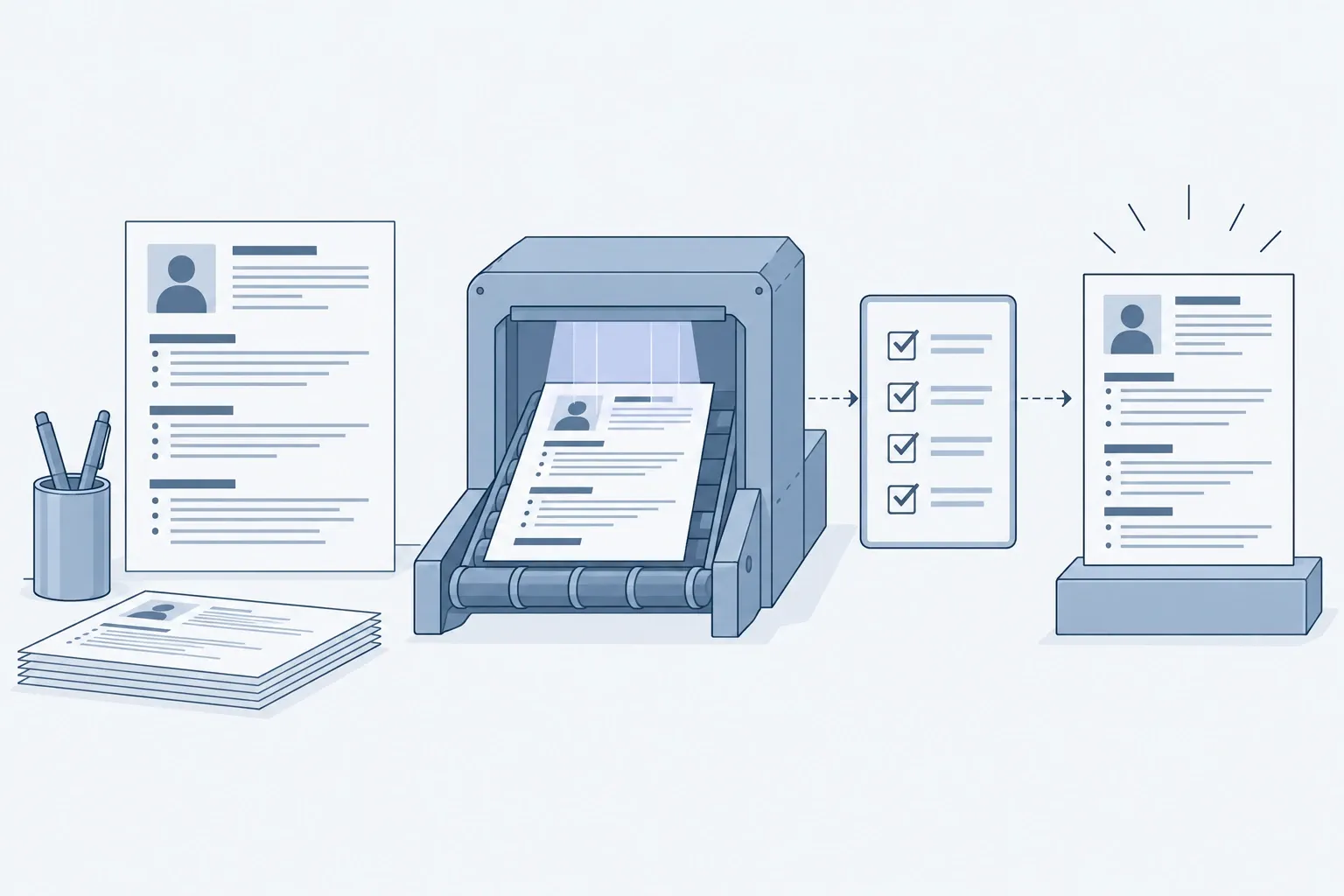
If you’re applying in the US in 2026, your resume must work for two audiences: software that parses and ranks it, and a human who skims it in a few seconds. The good news: a clean structure and a few evidence‑based habits cover most of what both want. Below you’ll find the exact sections to include, what to write in each, formatting that parses cleanly, when to use PDF versus Word, and a quick test you can run before you apply.
What should be on page 1, and in what order?
- Contact line: full name, city/state, phone, professional email, LinkedIn URL.
- Headline and 2–3‑line summary tailored to the role (optional but useful for focus). According to the National Association of Colleges and Employers, an objective or summary is optional and should be tailored when used (NACE guidance).
- Core skills: 8–12 keywords that mirror the posting’s language.
- Experience: reverse‑chronological bullets that prove impact.
- Education and certifications: degree, major, institution, year (or “Expected 2027”), relevant licenses.
Keep the total length to one page early‑career and up to two pages when experience warrants it; a single‑column layout, standard headings and ample white space improve human and machine readability (CareerOneStop formatting).
How do you make bullets that pass skims and show value?
Use action + context + result in one line each. Example:
- Reduced monthly close from 10 to 5 days by automating reconciliations in Excel and Power Query.
- Grew MQLs 38% in two quarters by launching A/B‑tested landing pages and retargeting.
Hiring teams skim for achievements and relevant keywords; SHRM emphasizes integrating the job’s keywords across your resume and focusing bullets on outcomes, not duties (SHRM guidance).
Which format do applicant tracking systems parse reliably?
- Layout: single column, left‑to‑right flow; avoid tables, text boxes, graphics, and placing key info in headers/footers so parsing doesn’t scramble it.
- Headings: use standard section names like Work Experience, Education, Skills so both ATS and humans find data quickly.
- Dates: stick to a single format (e.g., “Jan 2023–Aug 2026”); inconsistent or missing dates can confuse parsers.
PDF or Word: which file should you upload?
Follow the instructions in the posting. When no format is specified, U.S. federal guidance for USAJOBS recommends uploading a PDF and accepts DOC/DOCX and several other formats; the key is a text‑based file (not an image) so systems can read it (USAJOBS Help Center). Many government announcements explicitly ask for PDF to preserve page count; always match the stated requirement (example announcement).
What keywords actually matter—and where do you put them?
- Mirror the job post’s language for required skills, tools and credentials in your summary, skills list and bullets.
- Spell out and also include the common acronym at least once (e.g., “Certified Public Accountant (CPA)”). SHRM notes that writing both the acronym and the full term can improve keyword matching across different searches.
What does a clean, ATS‑safe structure look like?
- Header: Jane Doe • Austin, TX • 512‑555‑0101 • jane.doe@email.com • linkedin.com/in/janedoe
- Headline: Marketing Analyst | SQL • GA4 • A/B Testing
- Summary: 2–3 lines tailored to the posting with role‑specific keywords.
- Skills: SQL, Python, GA4, Looker Studio, Email automation, A/B testing
- Experience: Employer, City, STATE — Job Title, Dates
- Action + context + result bullets (3–6 per recent role)
- Education/Certs: BS, Major, School, Graduation year; relevant licenses
How do you tailor the same resume for different roles quickly?
- Build a master document with 12–16 bullets per role and a long skills list.
- For each application, pick the 4–6 most relevant bullets and 8–12 matching skills.
- Refresh the headline and summary with the posting’s top two requirements.
This saves time while keeping a focused story. It also aligns with the shift many employers report toward skills‑based screening—making the skills section and results‑oriented bullets do more work (SHRM research on skills‑first hiring).
How do you format for easy human skimming?
- Use 10–12 pt professional fonts (Calibri, Arial, Georgia, Garamond, Times New Roman), consistent spacing, and roughly 1‑inch margins for white space.
- Keep paragraphs under 3–4 lines; prefer crisp bullets.
- Front‑load numbers and keywords in each line so they show up in a quick scan.
If you’re targeting high‑pay roles, pair this with research on real compensation to prioritize which achievements to feature; start with our overview of highest paying jobs.
The five‑step writing workflow (with timelines)
- Gather inputs (30–60 minutes)
- The job ad: highlight must‑have skills, tools and outcomes.
- Your raw material: performance reviews, metrics dashboards, project docs.
- Draft structure (20 minutes)
- Paste your master resume, then prune to 1–2 pages with the sections above.
- Re‑write bullets (40–60 minutes)
- Convert responsibilities into results. NACE recommends replacing vague traits with concrete examples of work you actually did.
- Keyword pass (10–15 minutes)
- Add the posting’s exact terms where they honestly fit; SHRM advises integrating keywords throughout, not just in a skills box.
- Format and export (10 minutes)
- Ensure single column, standard headings, readable fonts and margins; export to the format the employer requests. If unspecified, a text‑based PDF is broadly accepted across public‑sector systems and preserves layout.
Final checks before you click “Submit”
- Parsing test: upload to the employer portal and inspect the parsed preview. If it garbles sections, simplify formatting as CareerOneStop recommends (no tables/text boxes; standard headings).
- Read‑aloud pass: catch awkward phrasing or filler.
- Numbers pass: add or verify at least one metric per recent role.
- File name: Firstname-Lastname-TargetRole.pdf or .docx as instructed.
- Alignment with next step: make sure the achievements you feature set up strong stories for common interviews; if you’re preparing now, see our guide to job interview questions.
Changing fields?
If you’re pivoting, use a combination format to surface transferable skills at the top while keeping a concise work history—an approach CareerOneStop highlights for career changers. For a step‑by‑step pivot plan with timelines, see our guide on a career change.
In this section Careers